Preface

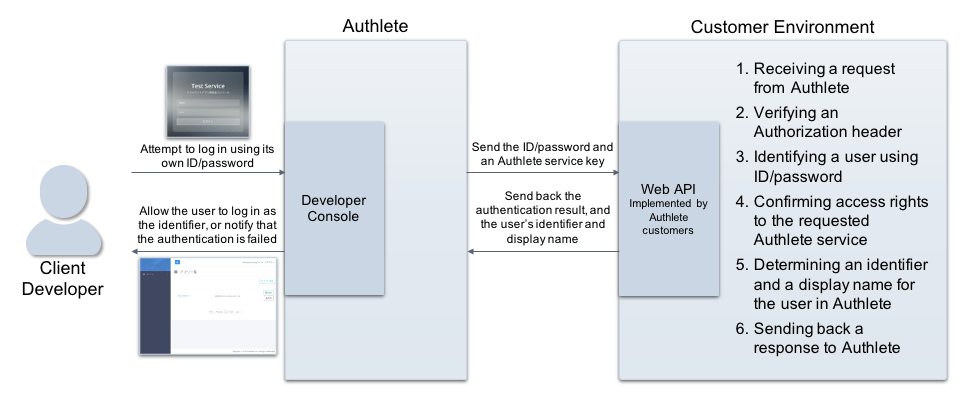
This article describes implementation of an Web API and configuration of Authlete to allow each of multiple developers to have a dedicated login account for Authlete’s Developer Console, and manage information of clients.

Implementing an Web API

Implement an external Web API in your environment so that Authlete can delegate verification of login ID and password and confirmation of access rights to it. This API must be able to fulfill at least the following processes:
  1. Receiving a request from Authlete
  2. Verifying an Authorization header
  3. Identifying a user using ID/password
  4. Confirming access rights to the requested Authlete service
  5. Determining an identifier and a display name for the user in Authlete
  6. Sending back a response to Authlete
developer-auth-cb See the following article for details on implementing the API.

Authlete service settings

Log in to Authlete’s Service Owner Console and configure settings for one of Authlete services to connect to the external Web API.
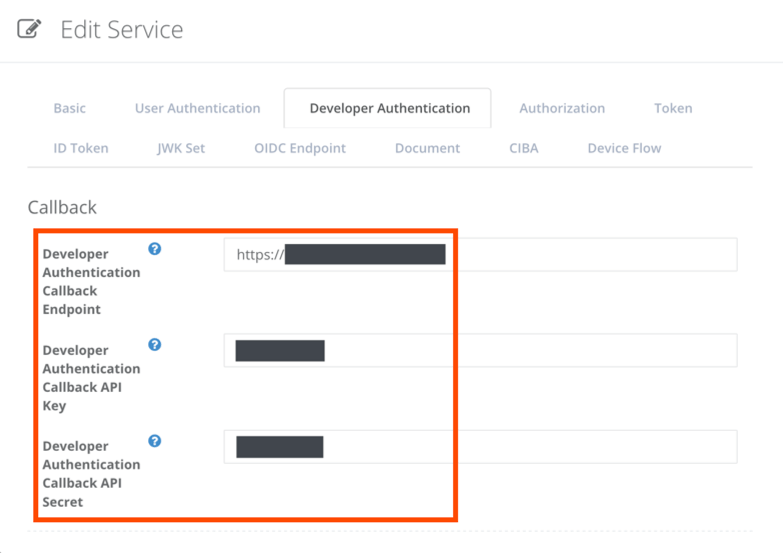
TabItemValue
Developer AuthenticationDeveloper Authentication Callback EndpointURL of the Web API
Developer AuthenticationDeveloper Authentication Callback API KeyAPI key used for Basic authentication on connecting to the API
Developer AuthenticationDeveloper Authentication Callback API SecretAPI secret used for Basic authentication on connecting to the API
multiple-developer-accounts_1
SNS related settings shown in Developer Authentication tab are not available for use as they are deprecated.
With the settings above, the Authlete service will be delegating verification of ID/password submitted by users for logging in to Developer Console, and confirmation of access rights to the console.

Examples

Here we assume that client developer accounts are managed in your environment as follows:
  • User information
IDPasswordStatusGroup
test1test1activeDev 01
test2test2activeDev 01
test3test3activeDev 02
test4test4suspendedDev 02
  • Group information
GroupSubject identifier in AuthleteDisplay name in AuthleteStatus
Dev 01dev01Developer Group 01active
Dev 02dev02Developer Group 02active
The following examples will describe expected behaviors for attempts of login using each ID.

Example 1: login using test1/test1

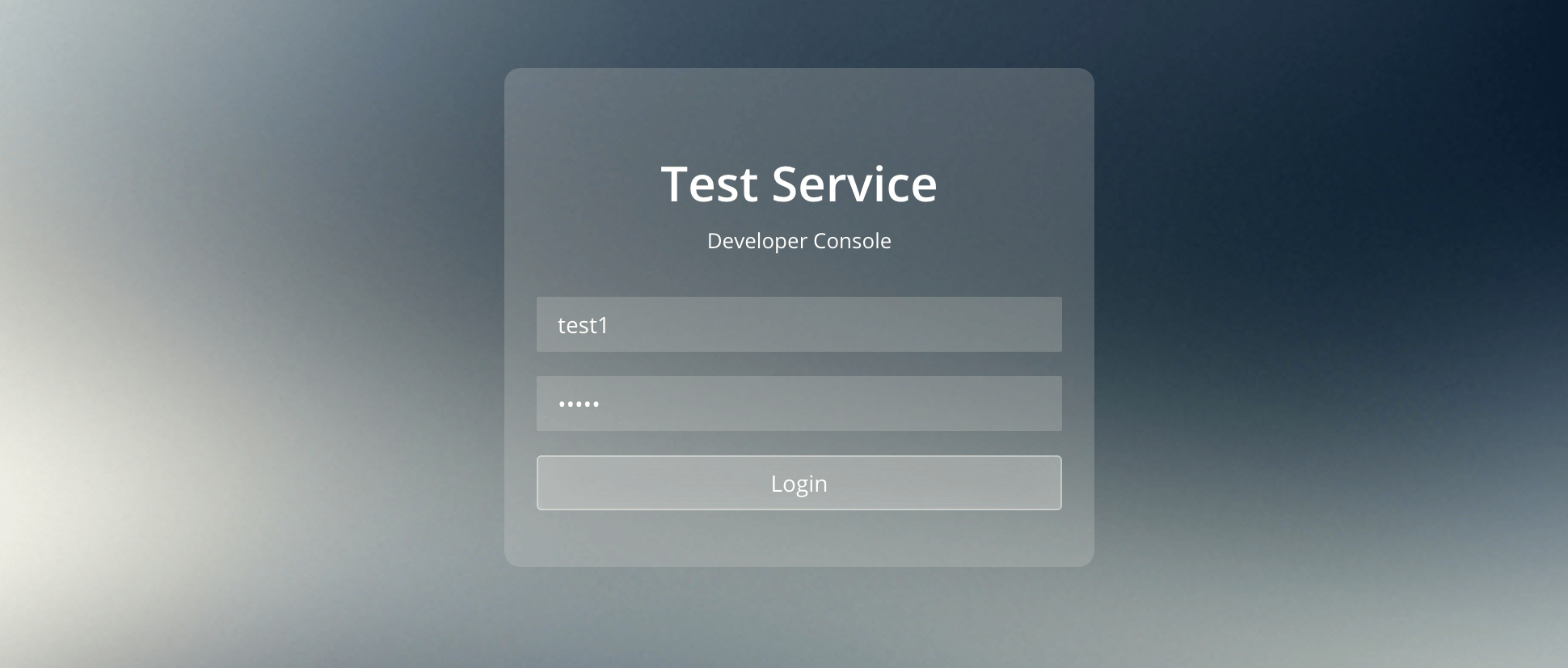
First, assume that a user attempts to log in to Developer Console using test1/test1. multiple-developer-accounts_2 The Authlete service with the developer authentication settings sends the following request to the Web API. (all examples below are folded for readability)
POST / HTTP/1.1
Accept: application/json
Authorization: Basic base64(<API Key>:<API Secret>)
Content-Type: application/json
Host: <Web API Hostname>
...
{"expiresIn": 0,
"id": "test1",
"password": "test1",
"serviceApiKey": <Service API Key>}
On receiving the request, the Web API would determine that the subject and the displayName are dev01 and Developer Group 01 respectively, and make the following response to Authlete.
HTTP/1.1 OK
Content-Type: application/json; charset=UTF-8
Content-Length: 70
{"authenticated":true, "subject":"dev01", "displayName":"Developer Group 01"}
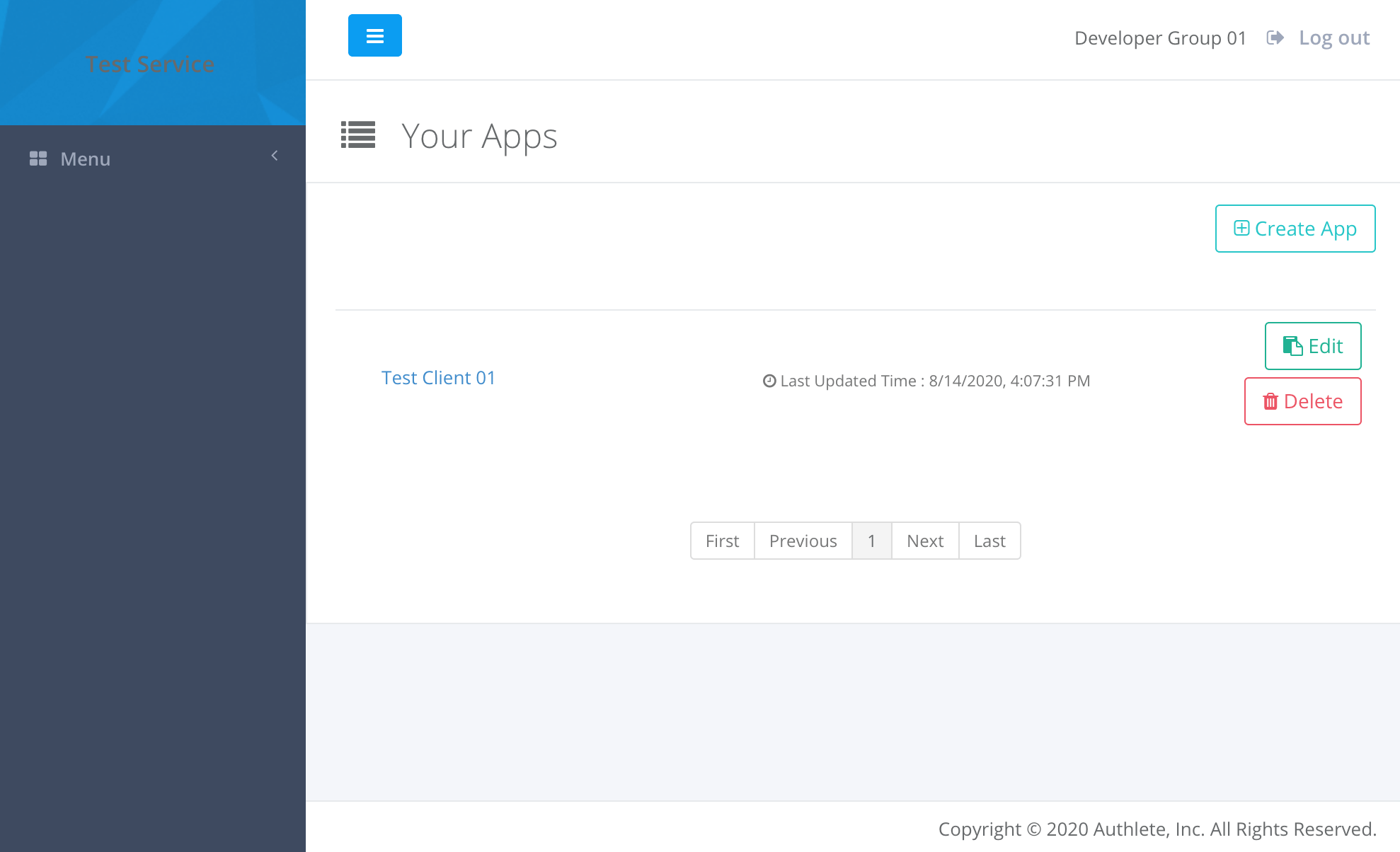
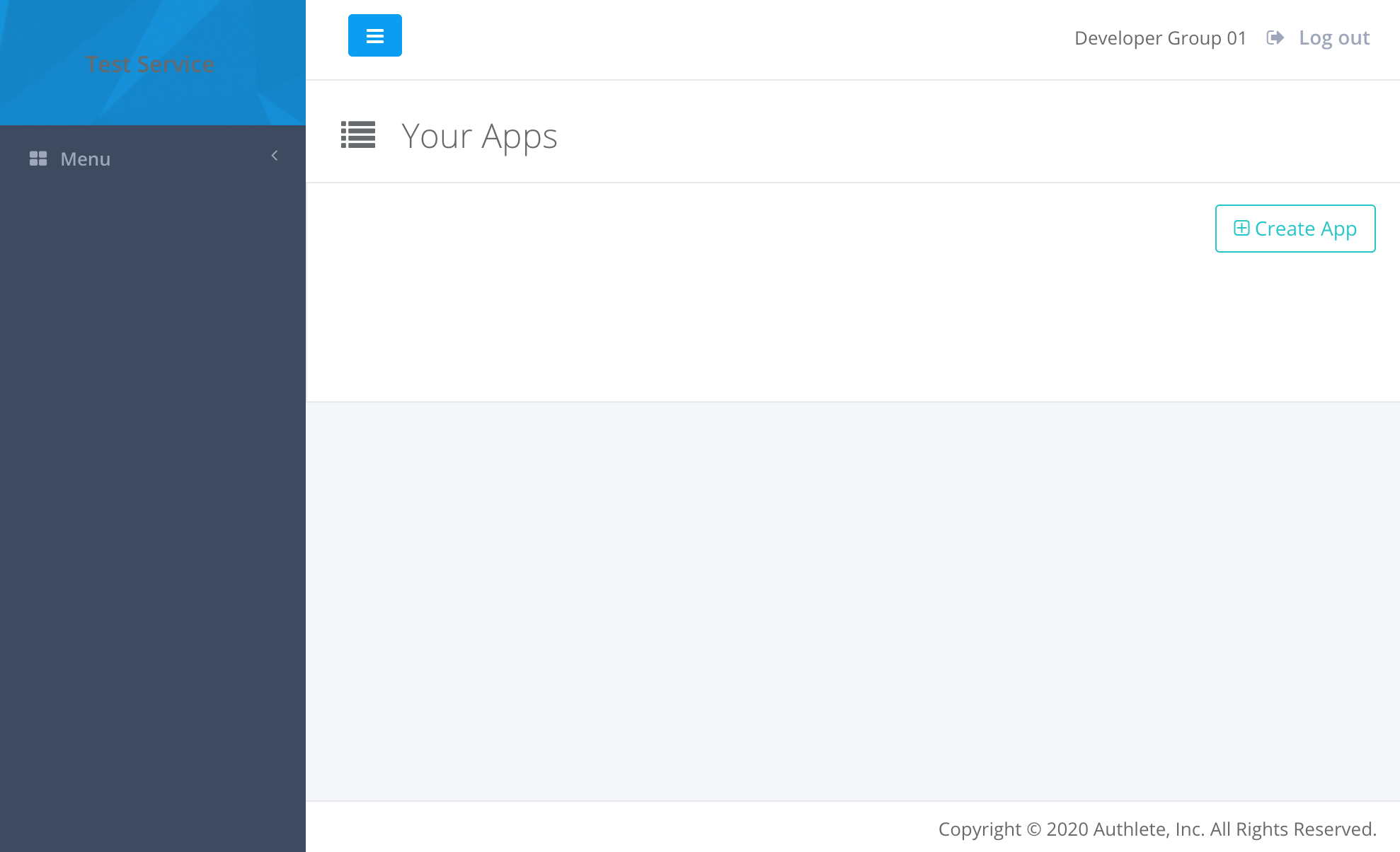
Authlete allows the user to log in to the Developer Console and provides the following content. multiple-developer-accounts_3 Assume that after logging in to the console, the user has registered information of a new client by clicking “Create App” button. In this example, “Test Client 01” has been added to “Developer Group 01” (“dev01” as a subject of Authlete). multiple-developer-accounts_4

Example 2: login using test2/test2

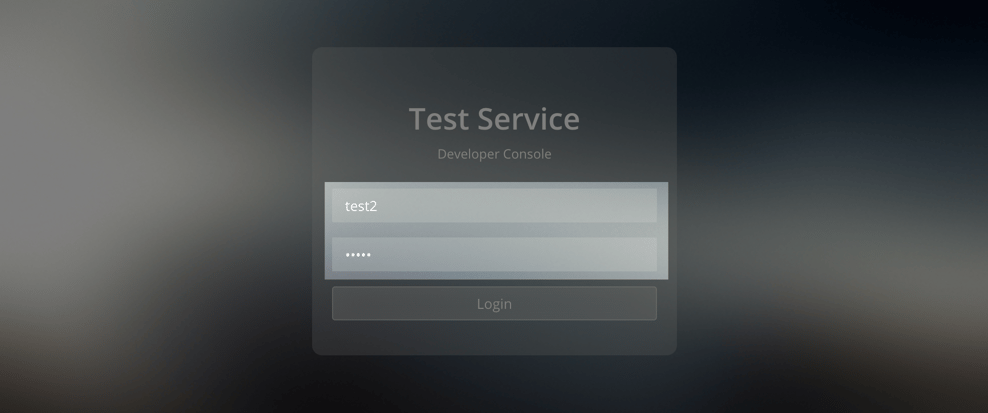
Second, assume that the user logs out from the console and attempts to log in again using test2/test2. multiple-developer-accounts_5 The Authlete service sends the following request to the Web API.
POST / HTTP/1.1
Accept: application/json
Authorization: Basic base64(<API Key>:<API Secret>)
Content-Type: application/json
Host: <Web API Hostname>
...
{"expiresIn":0,
"id":"test2",
"password":"test2",
"serviceApiKey":<Service API Key>}
The Web API would determine that the subject and the displayName are dev01 and Developer Group 01 respectively (same as the previous case of test1), and make the following response to Authlete.
HTTP/1.1 OK
Content-Type: application/json; charset=UTF-8
Content-Length: 70
{"authenticated":true, "subject":"dev01", "displayName":"Developer Group 01"}
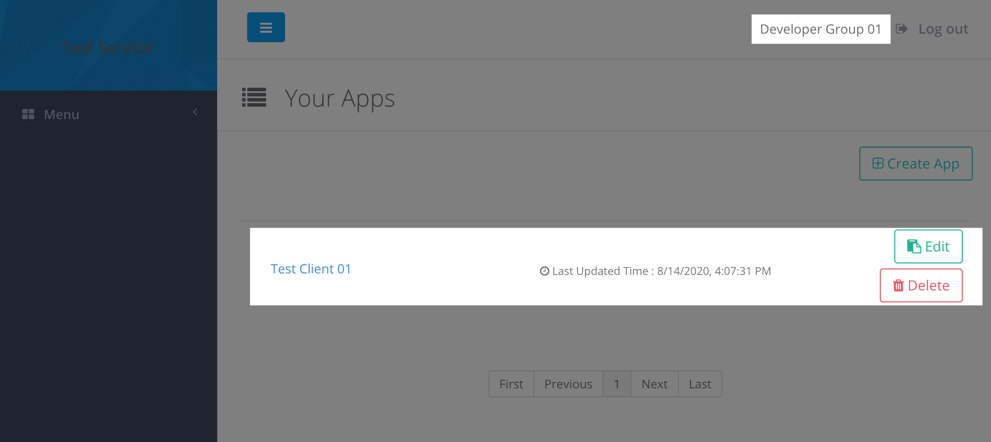
Authlete provides the following content on logging in to the console as test2. The client information that test1 has added is shown there. multiple-developer-accounts_6

Example 3: login using test3/test3

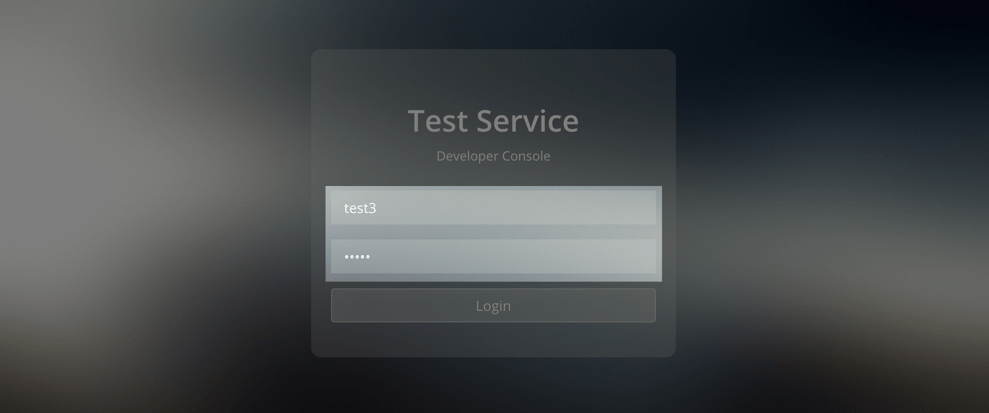
So, what happens when a user in a different group attempts to log in to the console? Assume that the user logs out from the console and attempts to log in again using test3/test3. multiple-developer-accounts_7 The Authlete service sends the following request to the Web API.
POST / HTTP/1.1
Accept: application/json
Authorization: Basic base64(<API Key>:<API Secret>)
Content-Type: application/json
Host: <Web API Hostname>
...
{"expiresIn":0,
"id":"test3",
"password":"test3",
"serviceApiKey":<Service API Key>}
The Web API would determine that the subject and the displayName are dev02 and Developer Group 02 respectively, and make the following response to Authlete.
HTTP/1.1 OK
Content-Type: application/json; charset=UTF-8
Content-Length: 70
{
  "authenticated": true,
  "subject": "dev02",
  "displayName": "Developer Group 02"
}
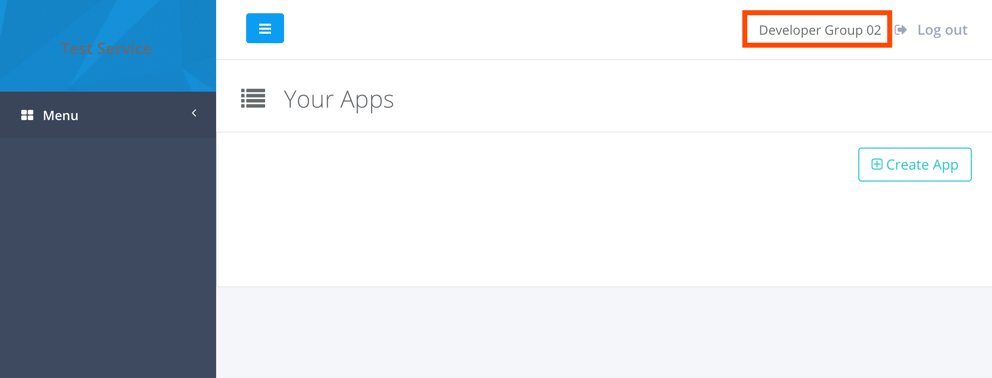
As a consequence, Authlete allows the user to log in to the Developer Console as dev02, which is different to the previous examples. Note that the client information that was added by the user who logged in as test1 is not shown in Your Apps section. multiple-developer-accounts_8

Example 4: login using test4/test4

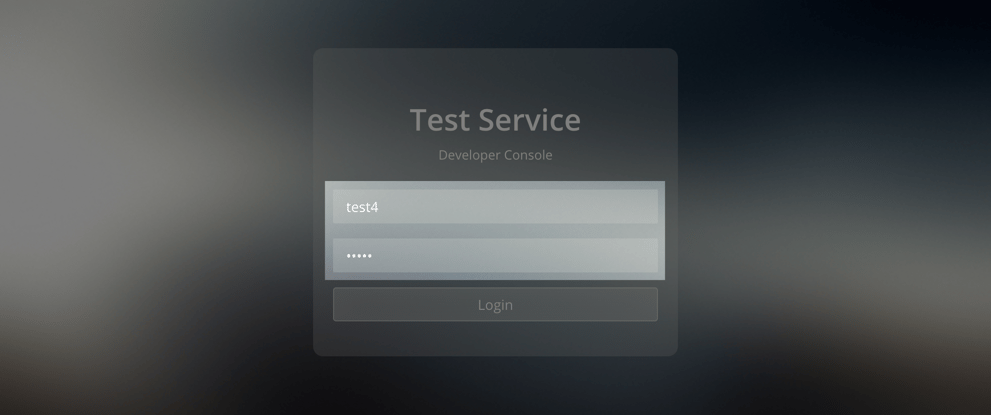
Lastly, assume that the user logs out from the console and attempts to log in again using test4/test4. multiple-developer-accounts_9 The Authlete service sends the following request to the Web API.
POST / HTTP/1.1
Accept: application/json
Authorization: Basic base64(<API Key>:<API Secret>)
Content-Type: application/json
Host: <Web API Hostname>
...
{
  "expiresIn":0,
  "id":"test4",
  "password":"test4",
  "serviceApiKey":<Service API Key>
}
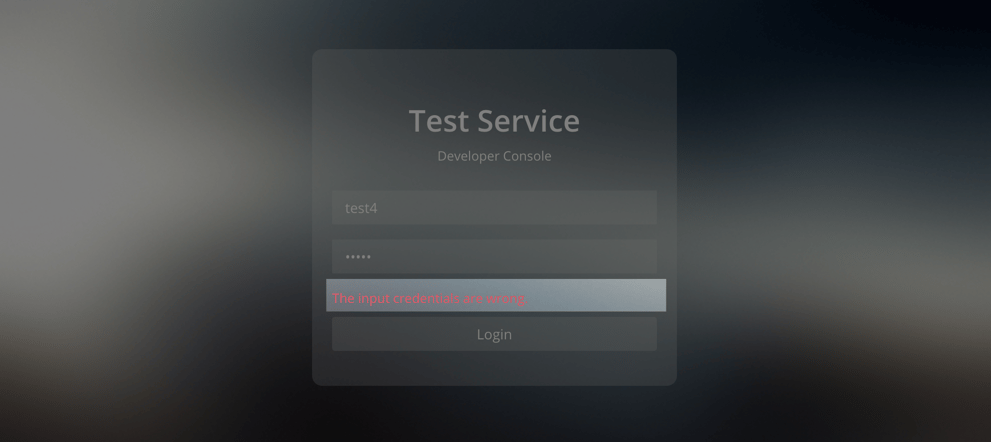
The attempt is expected to be failed as the status of test4 is suspended. The Web API would make the following response to Authlete.
HTTP/1.0 200 OK
Content-Type: application/json; charset=UTF-8
Content-Length: 24
{"authenticated":false}
Authlete parses the response and denies the login attempt. multiple-developer-accounts_10 As described in the examples above, you can allow each of multiple users with ID/password to log in to Developer Console, by implementing an Web API.