For Authlete 2.x documentation, see 2.x version.
Scope attributes are arbitrary key-value pairs associated with a scope. Each scope can have multiple attributes, which can be used for making authorization decisions or other processing in your authorization server. Authlete also provides predefined scope attributes for system settings. The key and value of a scope attribute are strings, and multiple attributes can be assigned to a single scope.
This feature is available since Authlete 2.0.

How to Create Scope Attributes

To create scope attributes for a service:
  1. Log in to the Authlete Management Console.
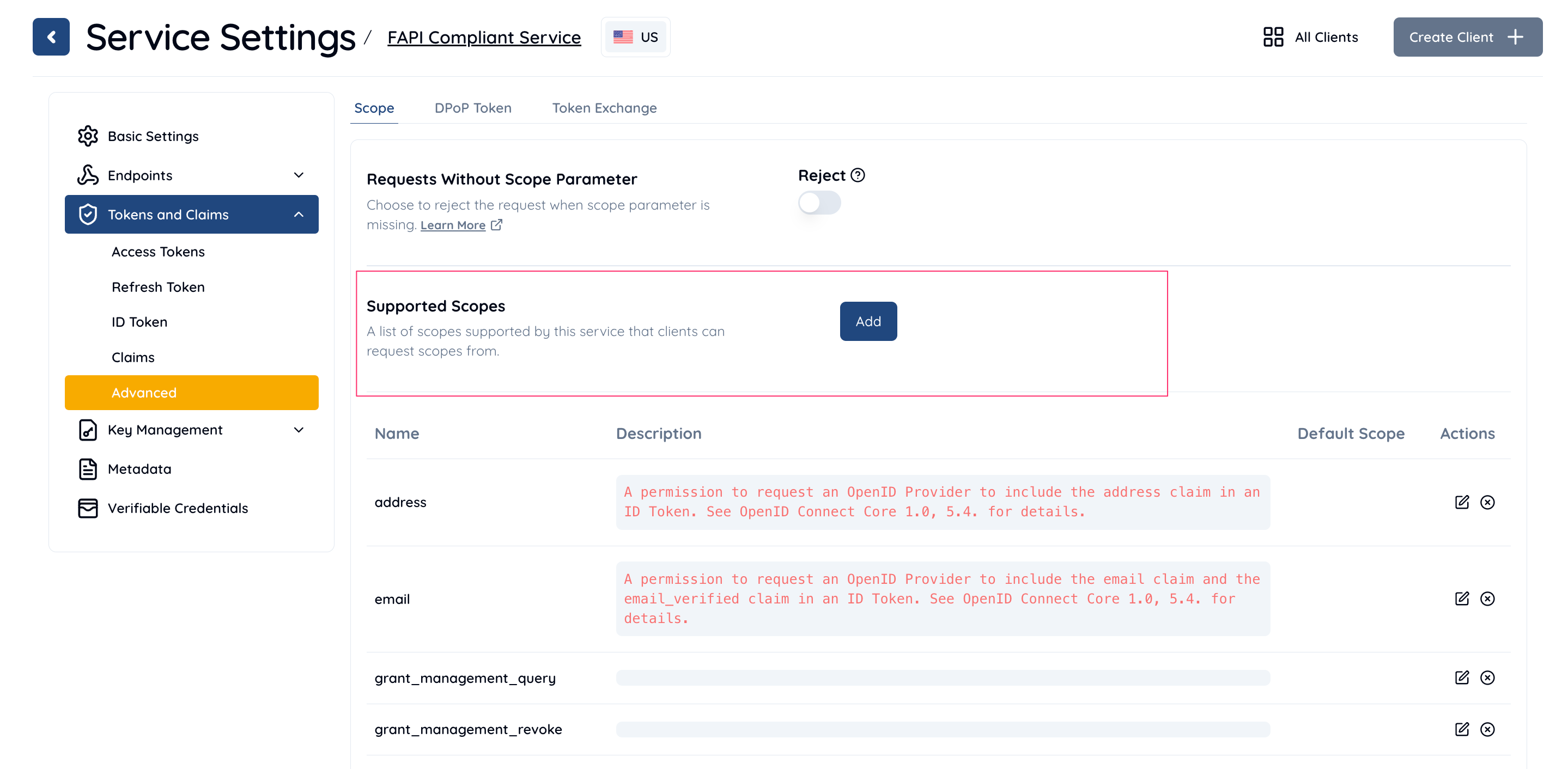
  2. Navigate to Service Settings > Tokens and Claims > Advanced > Scope.
  3. In the Supported Scopes section, click the Add button.
  1. In the Add/Edit Supported Scope dialog:
    • Enter a Scope Name and Description.
    • In the Scope Attributes section, click Add.
    • Enter the Key and Value for the scope attribute.
      • Example: Key = attr_key1, Value = attr_value1.
    • Click Add to save the attribute.
  1. Click Save Changes to apply the changes.

Predefined Scope Attributes

The following scope attributes are predefined by Authlete for special purposes:

How to Use Scope Attributes

Scope attributes can be utilized for various use cases, such as tagging risk levels to scopes or specifying required ACRs for granting a scope. In addition to custom use cases, you can leverage the predefined scope attributes provided by Authlete for specific system-level functionality.

The authorization response

The authorization response from Authlete from /auth/authorization endpoint includes the scope attributes as the response body below

Using Java Authlete library

The following code snippet of an authorization server is an example using Authlete’s /auth/authorization for parsing an authorization request from a client, and doing something based on attributes of scopes included in the request.