
Preface
Request Object is a JWT that contains a set of request parameters as its Claims. The request object is capable to be signed as well as encrypted to protect against tampering and/or unintended data exposure. It can be passed by reference instead of value, to make a size of an authorization request (via browser redirect) smaller. This article describes instructions for Authlete to support authorization requests with request objects.Configuration
In order for an Authlete service to process authorization requests that employ a request object, you have to configure these two properties so that the service can verify a signature of the object.- A signing algorithm used for request objects
- A public key that corresponds to the specified signing algorithm
- Encrypt requests objects, and/or
- Use “request_uri.”
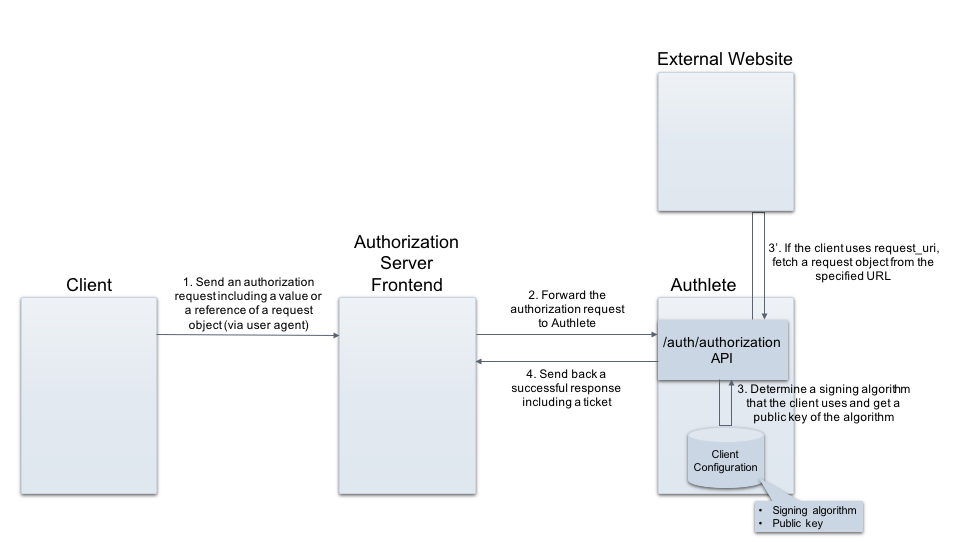
1. Specifying a signing algorithm
Enter a value representing a signing algorithm, for Request Object Signature Algorithm section in Authorization tab. The following example shows a result when “ES256” has been registered.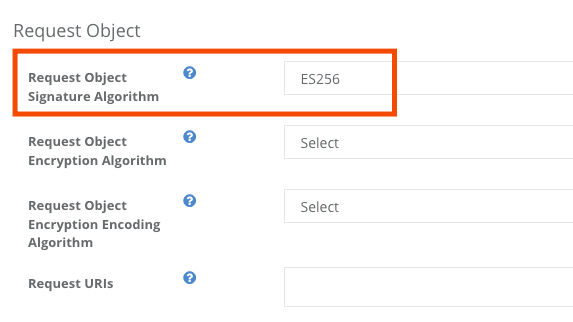
2. Registering a public key
Register a JWK formatted public key for “JWK Set Content” section, or specify a URL for “JWK Set URL” in JWK Set tab. The following example shows a result when an ES256 public key has been registered.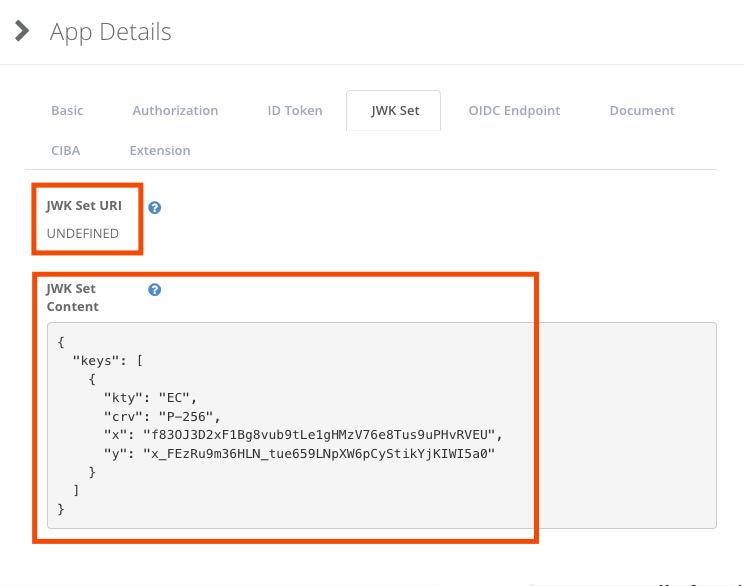
Option: Specifying an encryption algorithm
Specify appropriate values for “Encryption Algorithm” and “Encryption Encoding Algorithm” in Authorization tab, if you want to use encrypted request objects.\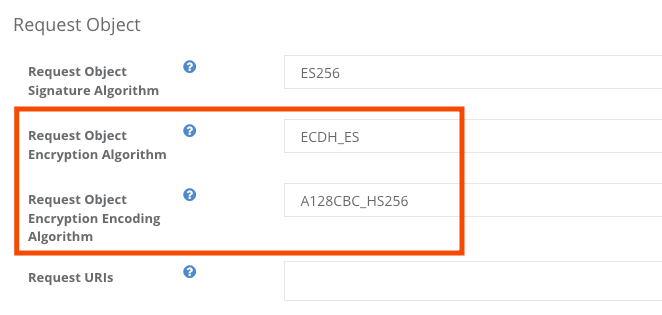
Option: Registering values for request_uri
Enter appropriate values for “Request URIs” in Authorization tab so that the client make an authorization request with request_uri (pass-by-reference) instead of request (pass-by-value).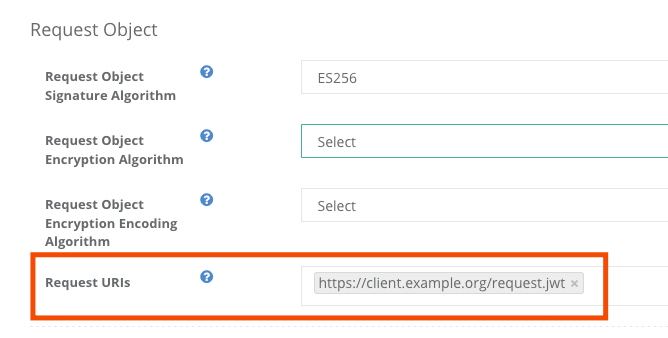
Examples
API request / response examples are as follows. (folded for readability)Request
Client: Creating a request object
Assume a client creates a signed JWT (a request object) that contains the following payload:Client: Making an authorization request
Then the client crafts an authorization request with the request object above. The request will include it either as a value (request) or a reference (request_uri).- Passing the object by value
- Passing the object by reference
Authorization Server: Making a request to Authlete API
On receiving the authorization request, the authorization server makes a request to Authlete’s /auth/authorization API . The request contains the authorization request from the client as a value ofparameters — the same request JWT shown above.