
For Authlete 2.x documentation, see 2.x version.
This feature is available since Authlete 2.0.
How to Create Scope Attributes
To create scope attributes for a service:- Log in to the Authlete Management Console.
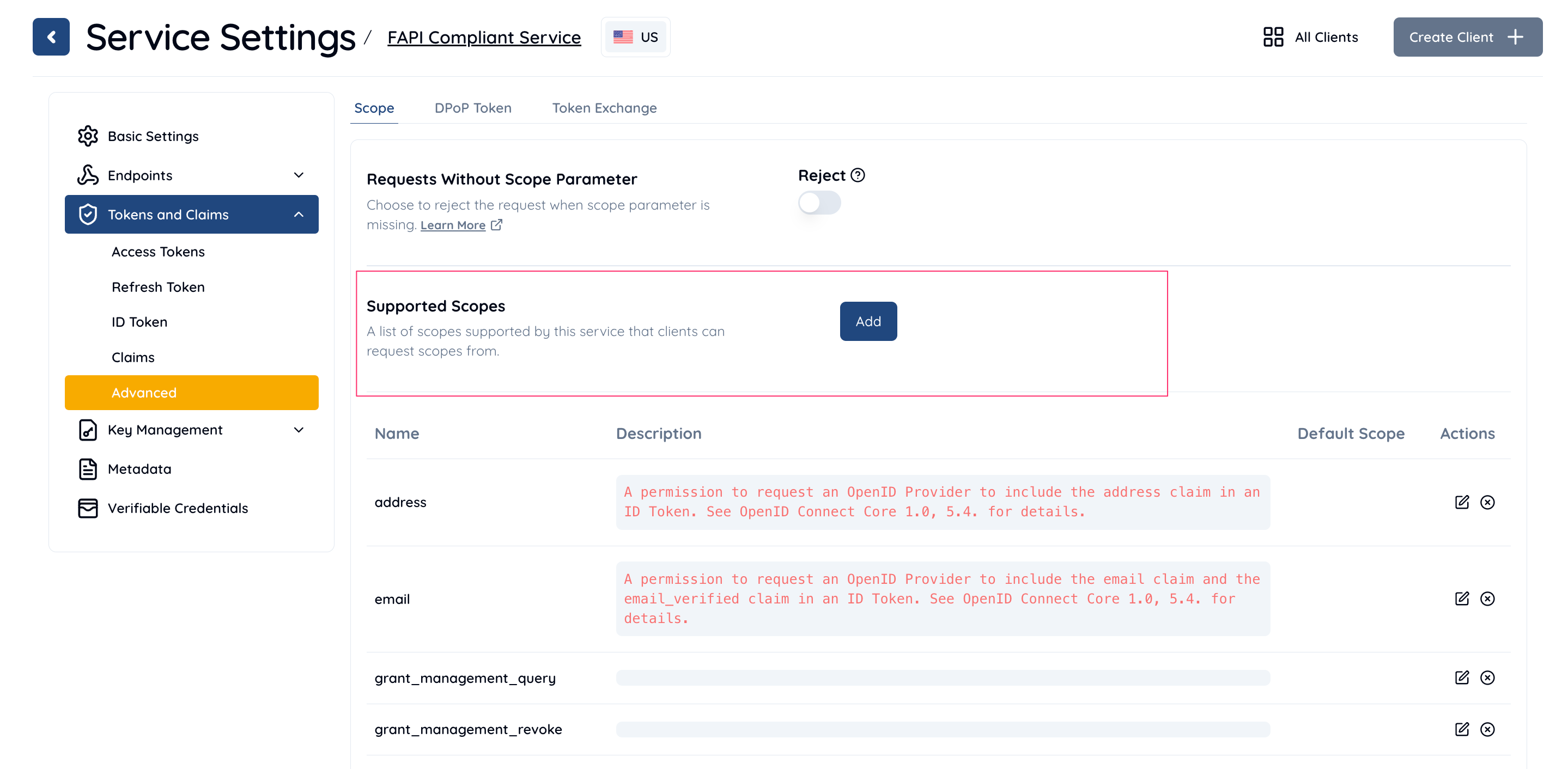
- Navigate to Service Settings > Tokens and Claims > Advanced > Scope.
- In the Supported Scopes section, click the Add button.
- In the Add/Edit Supported Scope dialog:
- Enter a Scope Name and Description.
- In the Scope Attributes section, click Add.
- Enter the Key and Value for the scope attribute.
- Example: Key =
attr_key1, Value =attr_value1.
- Example: Key =
- Click Add to save the attribute.

- Click Save Changes to apply the changes.